


Dash Cam - Dual Channel Canblo Vivid 4K - Front and Rear Camera with ADAS, GPS, IR Night Vision & Parking Monitor
Capture the road in stunning 4K. The Canblo 4K Dash Cam provides ultra-clear footage, advanced night vision, ADAS, G-Sensor and 24/7 parking monitoring. Drive with confidence knowing you have the ultimate witness on board.
🏷️EMI Available upto 24 months.
Couldn't load pickup availability
Warranty & Installation
Warranty & Installation
EMI Options
EMI Options


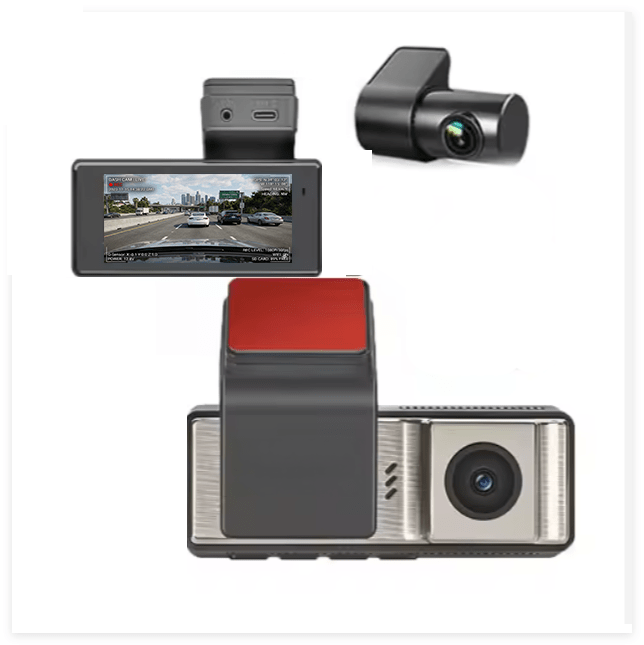
Tech Specs
General
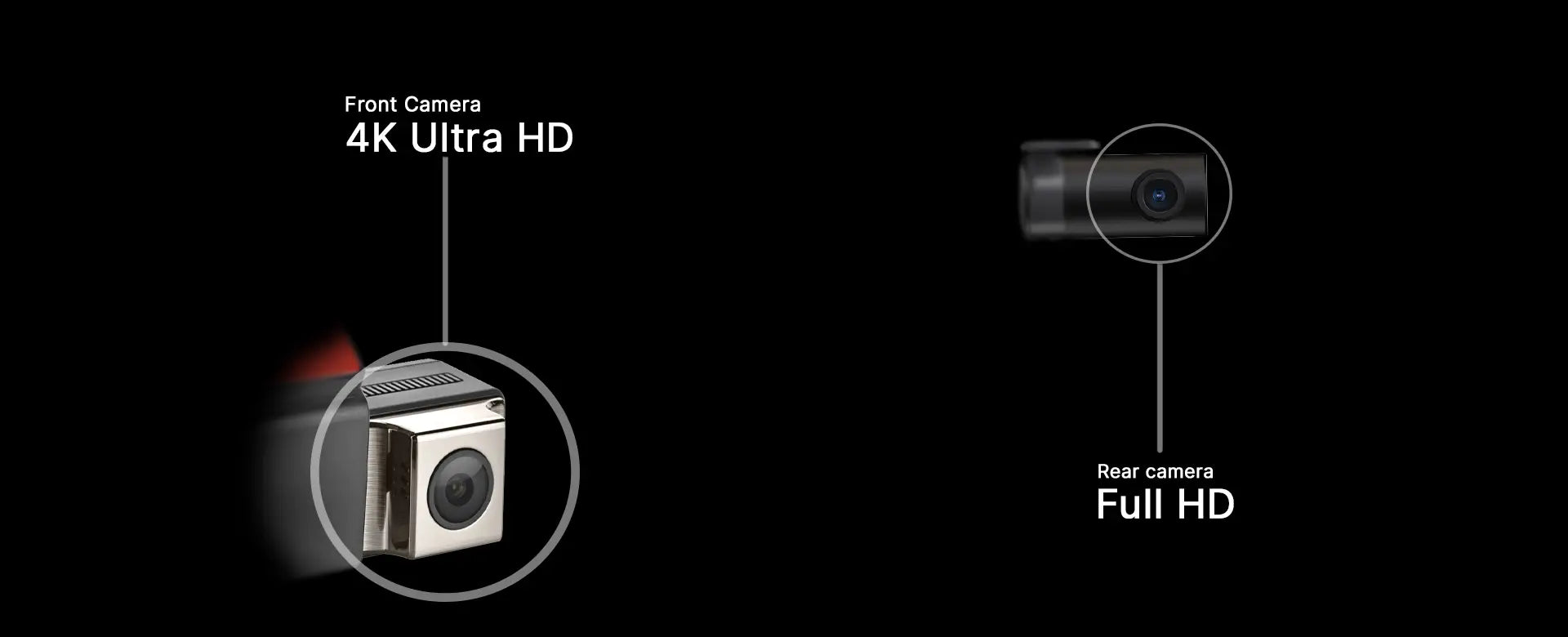
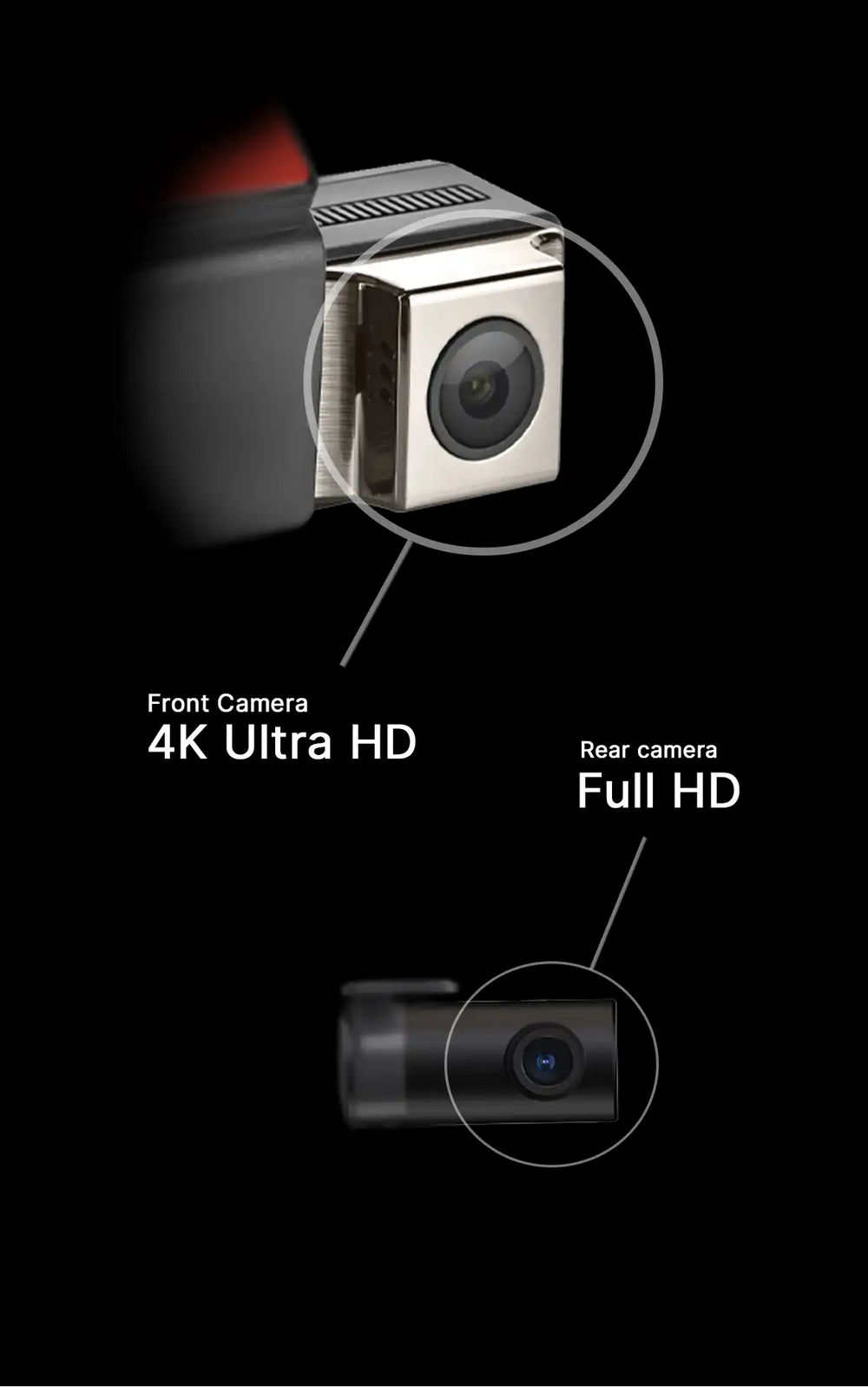
- Front camera resolution: 4K
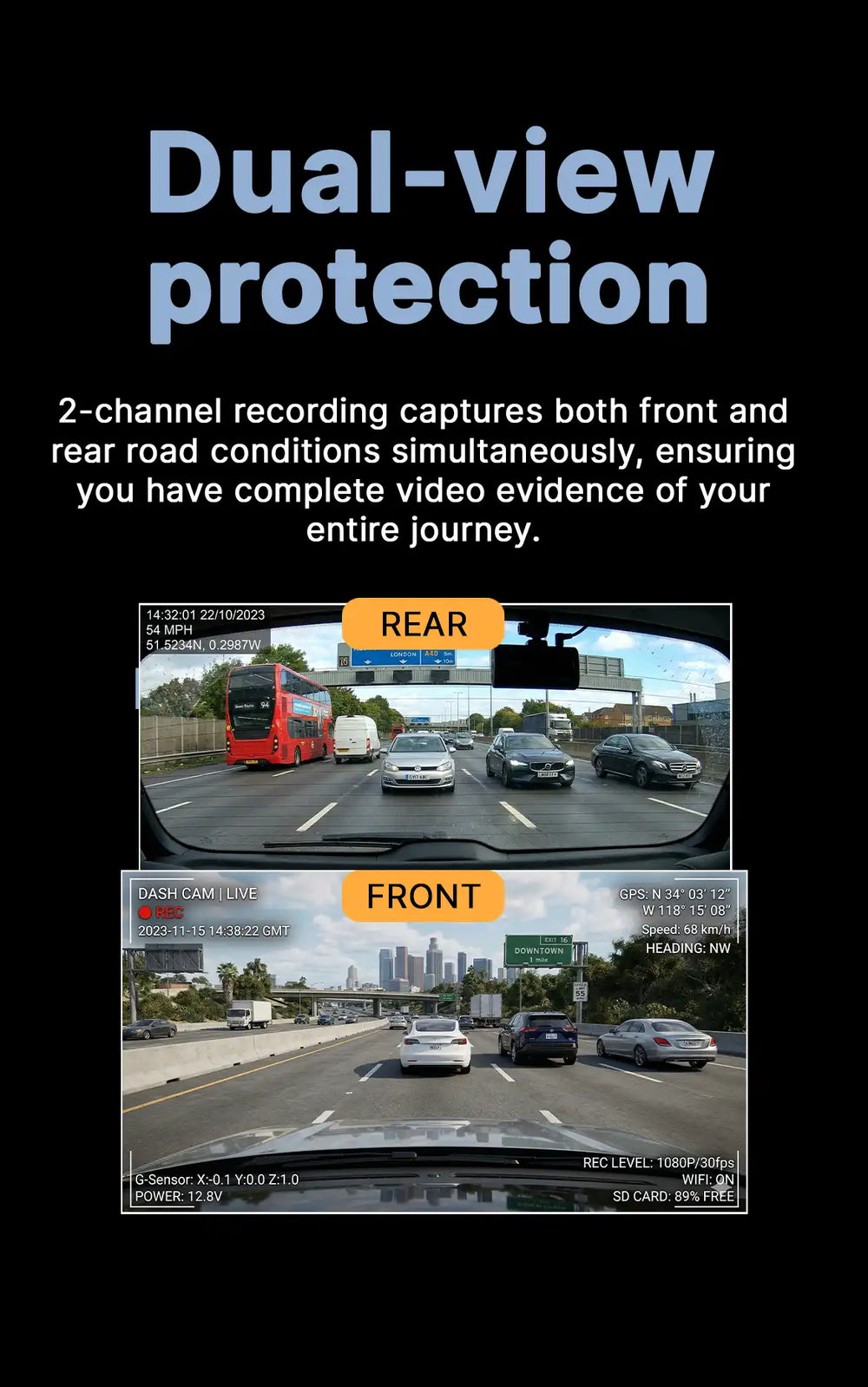
- Rear camera resolution: Full HD
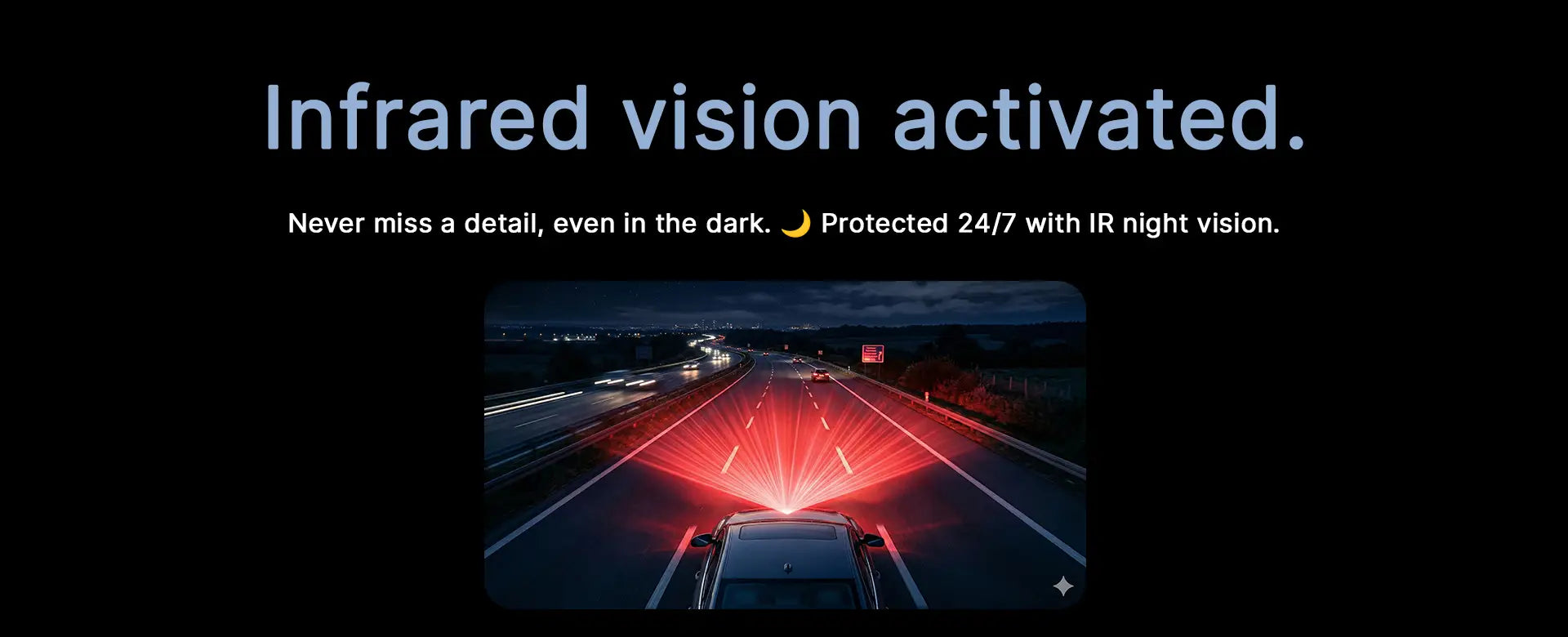
- IR low light assistance: YES
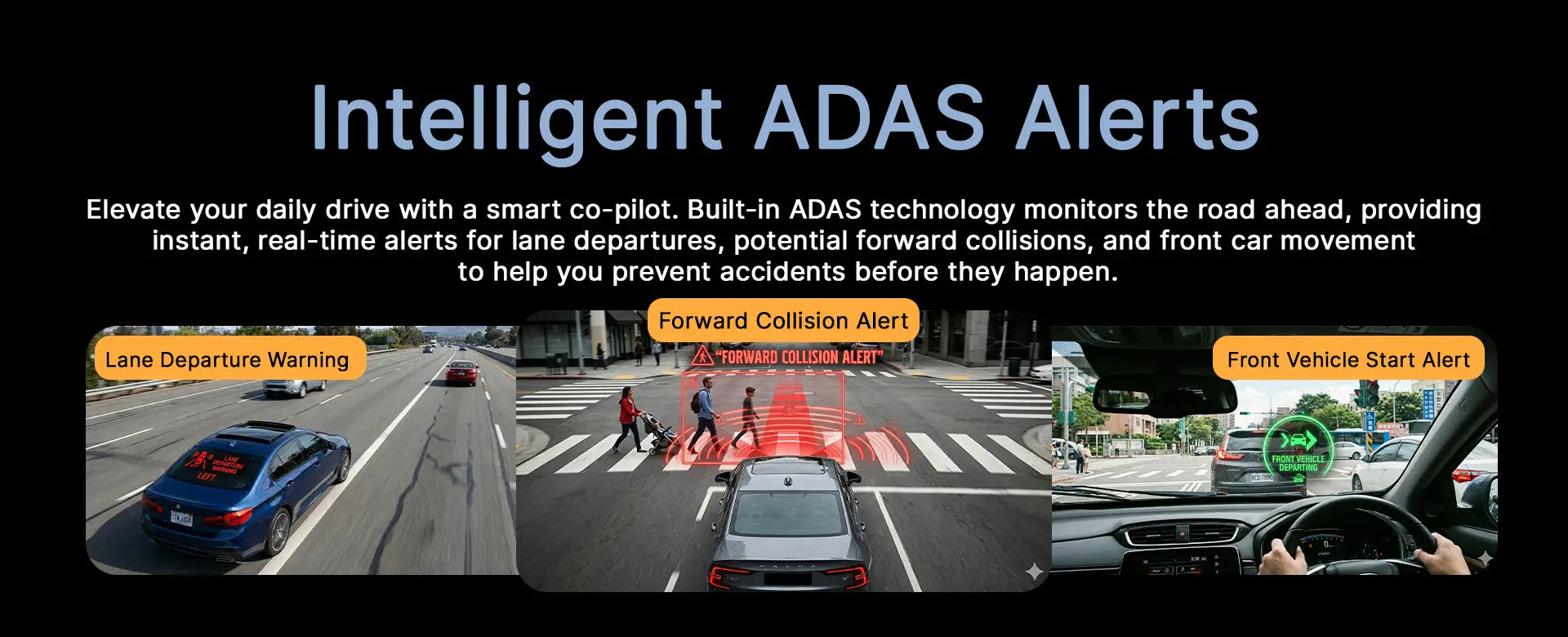
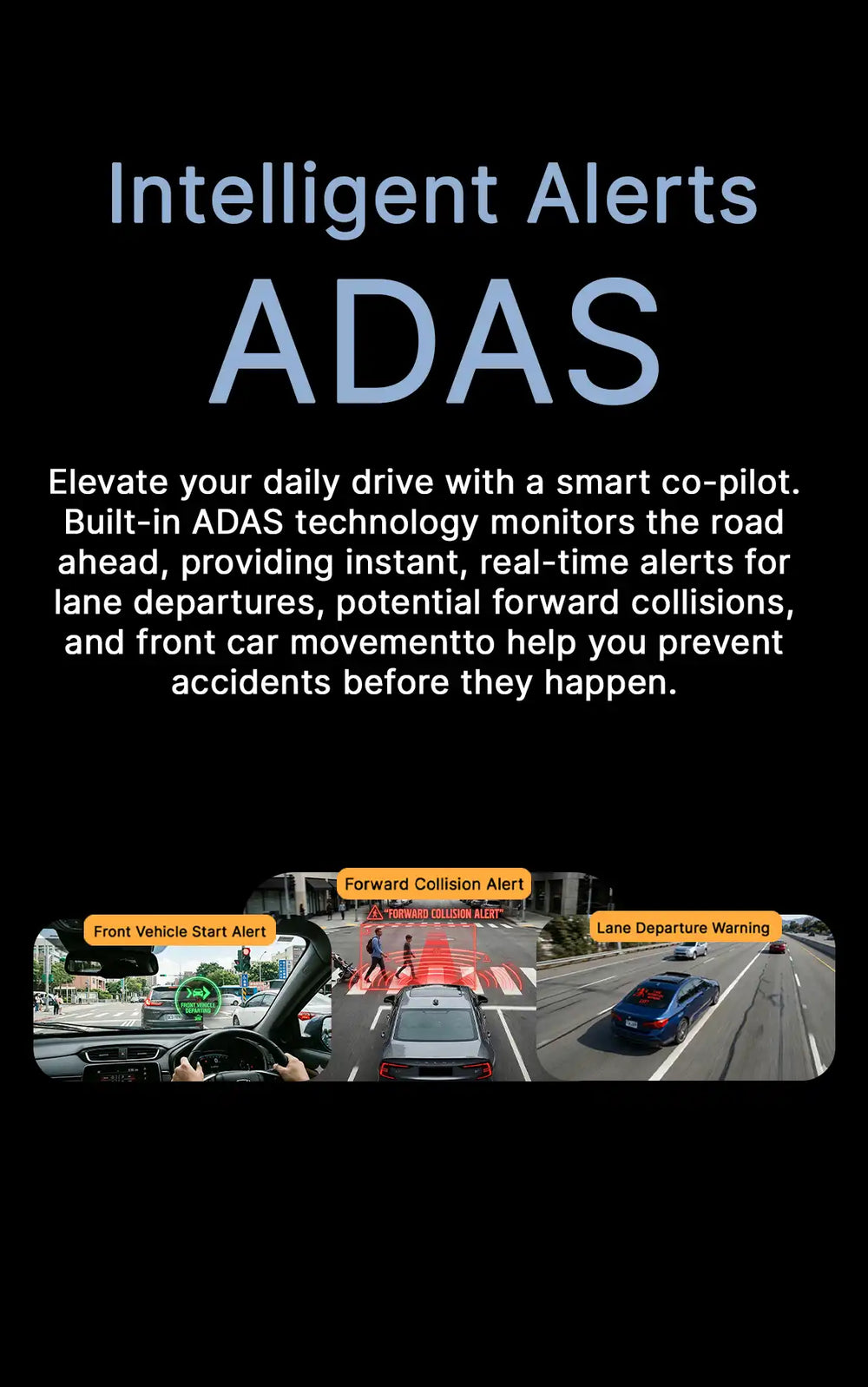
- Driving assistance: ADAS
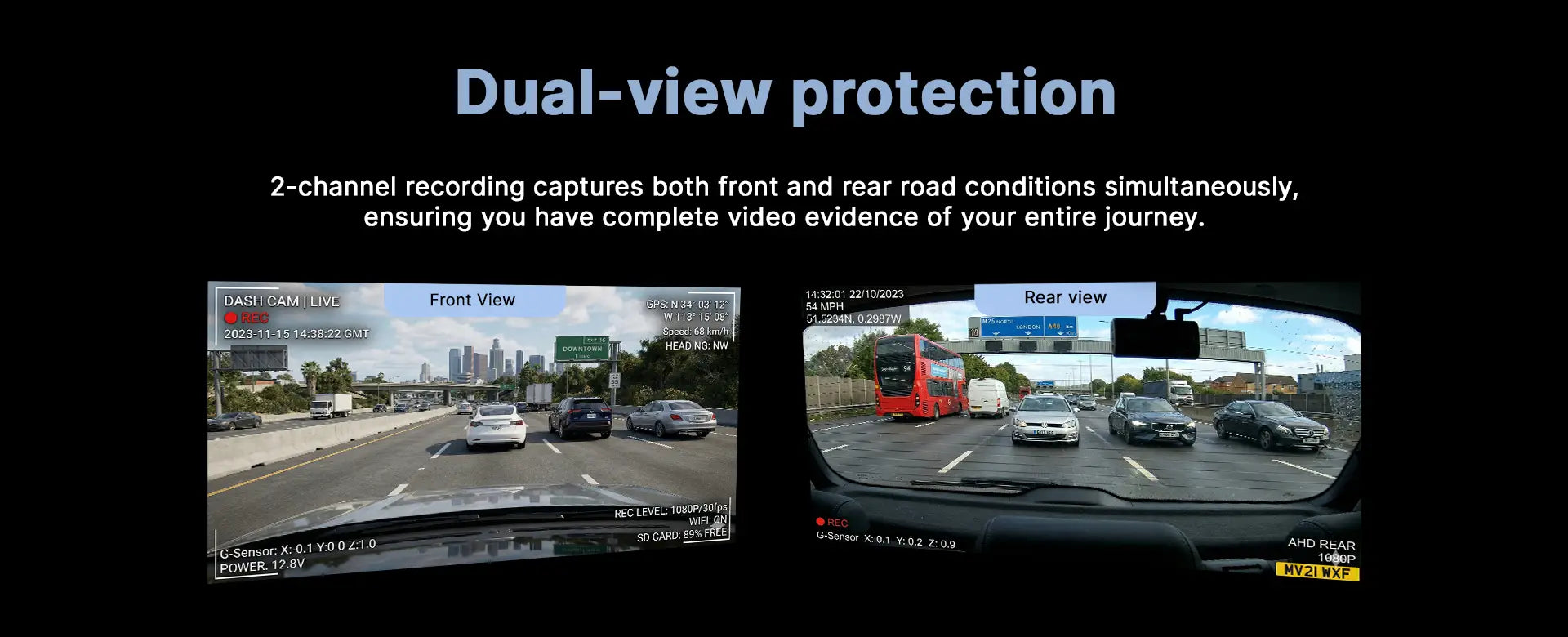
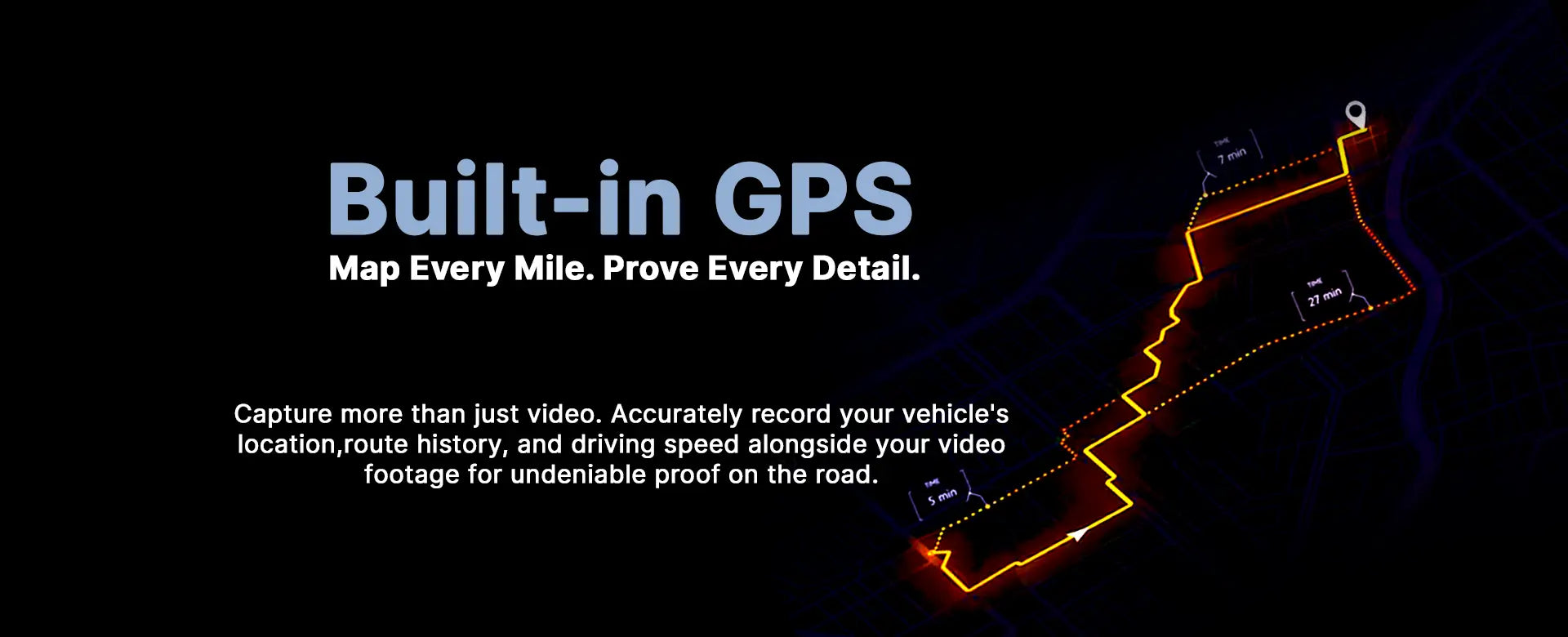
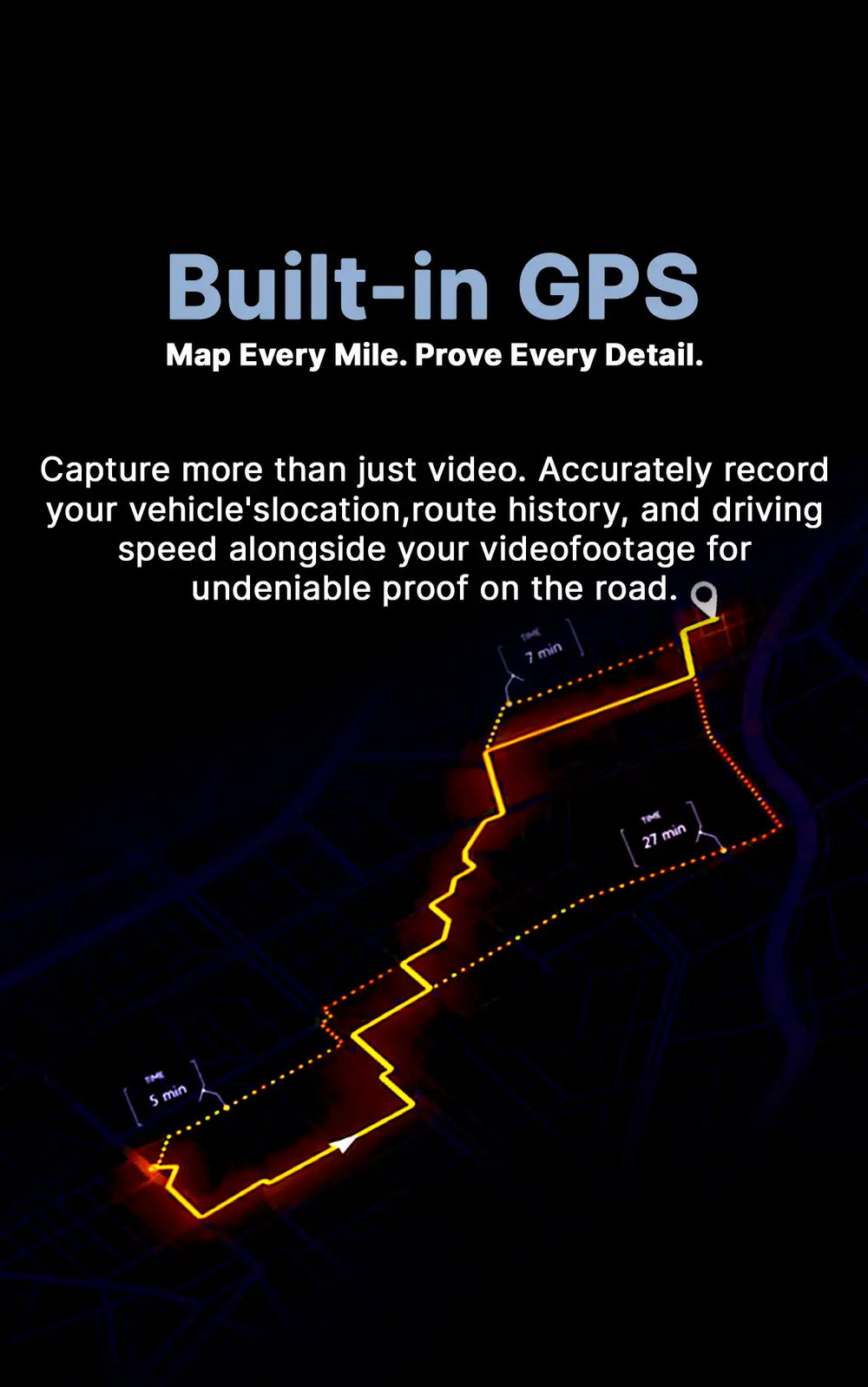
- GPS location Mapping: YES
- G-Sensor: YES
- Loop recording: YES
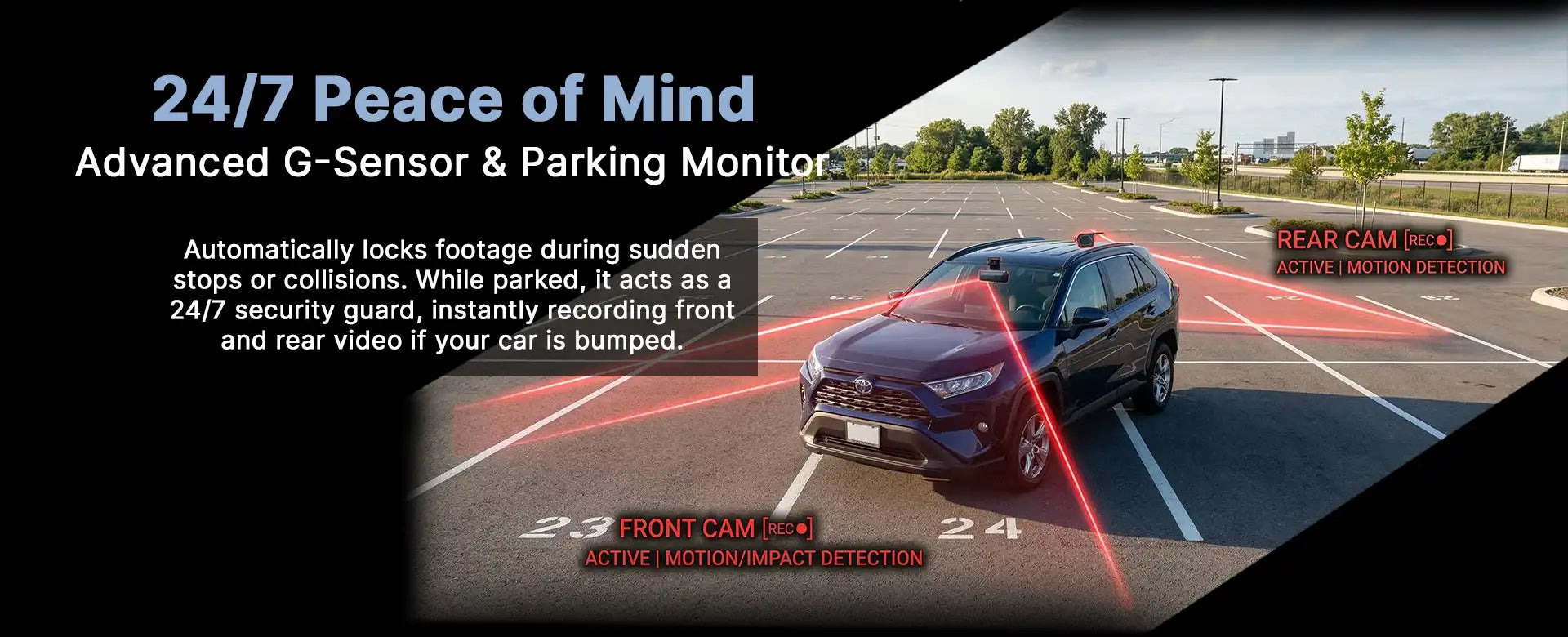
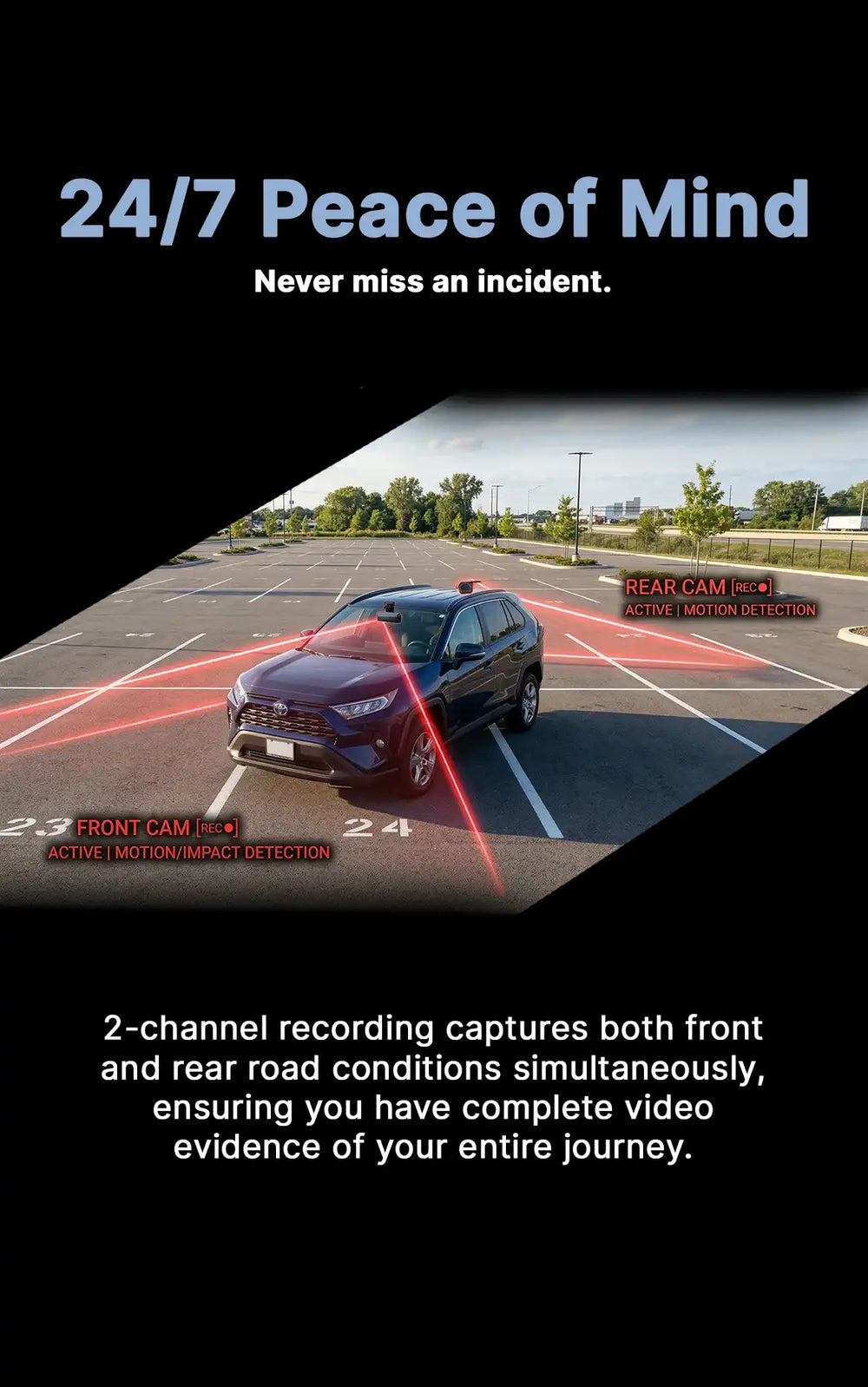
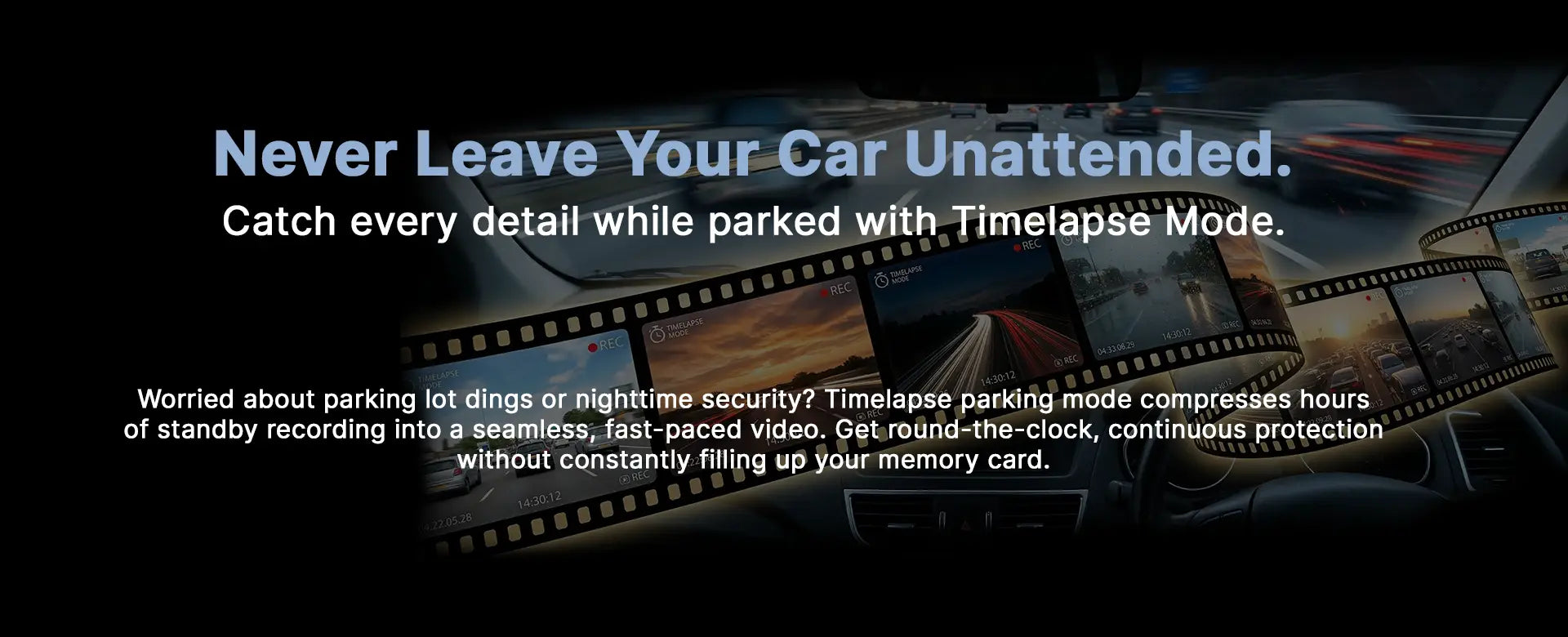
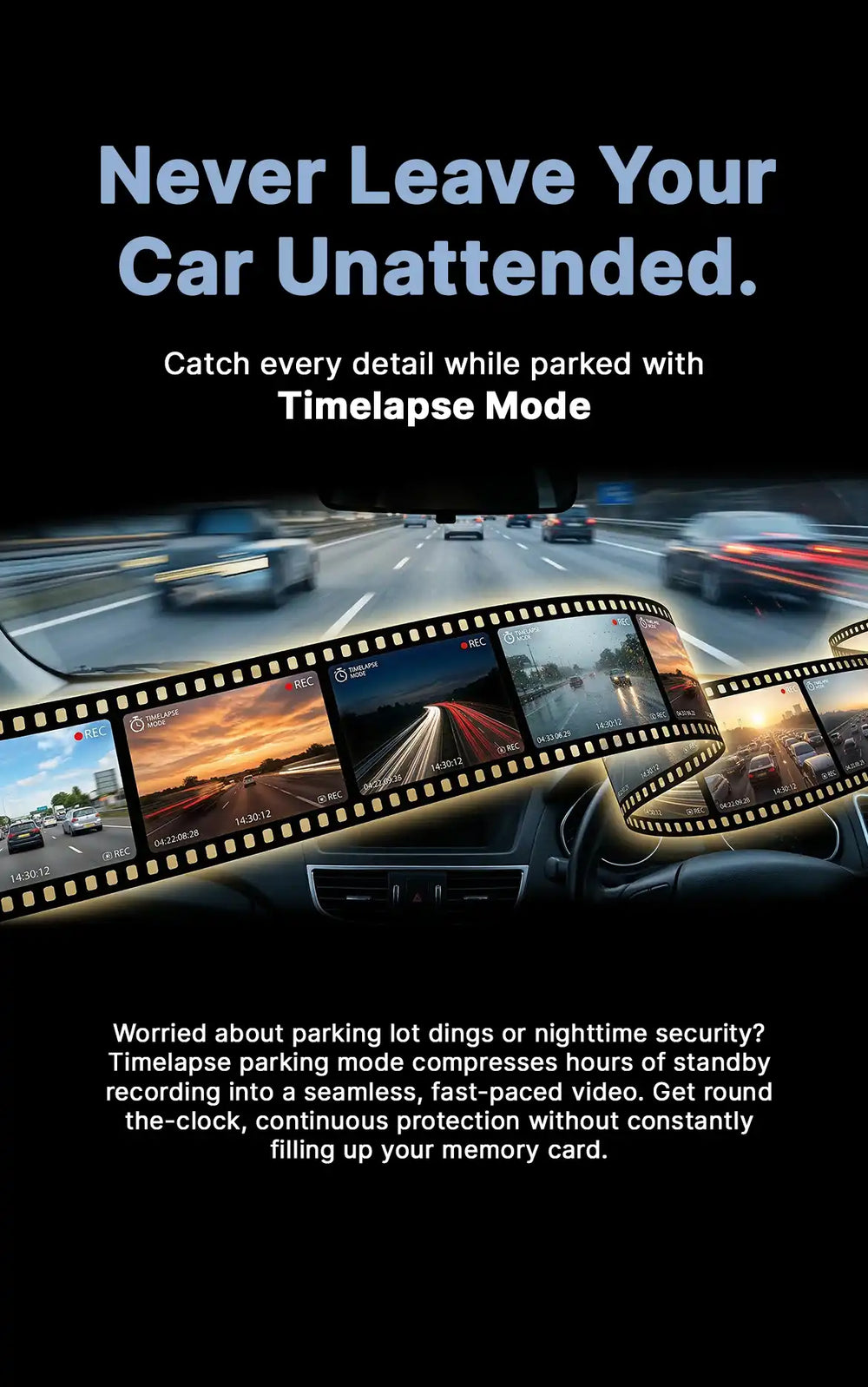
- 24 Hour car monitoring: YES
Audio
- Audio recording: YES
- ADAS voice assistance: YES
Display
- Display size: 3.16 inch
- Display type LCD
Connectivity
- Wireless phone connectivity: Wi-Fi
- Wireless Supported functions:
-Realtime view
-Recorded video access
-Captured image access
-Settings access
FAQs
Why choose the Canblo Vivid 4K Dash Cam?
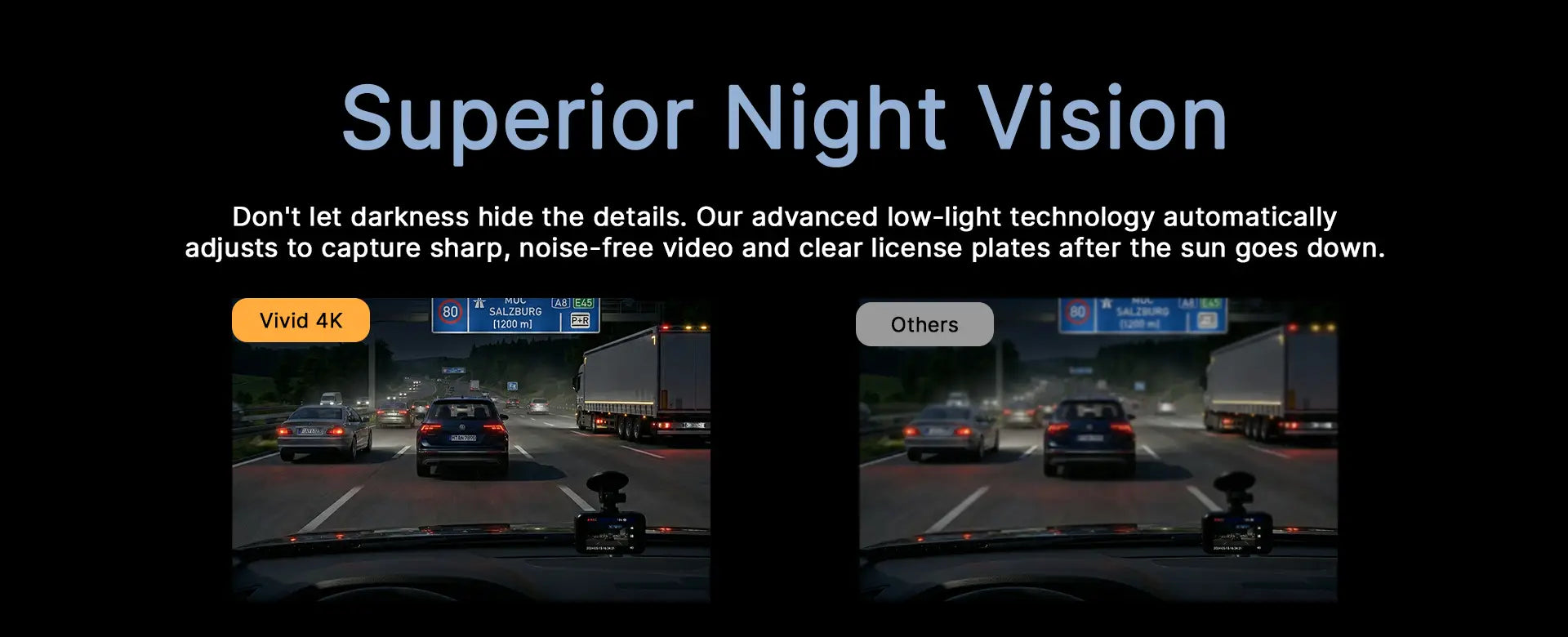
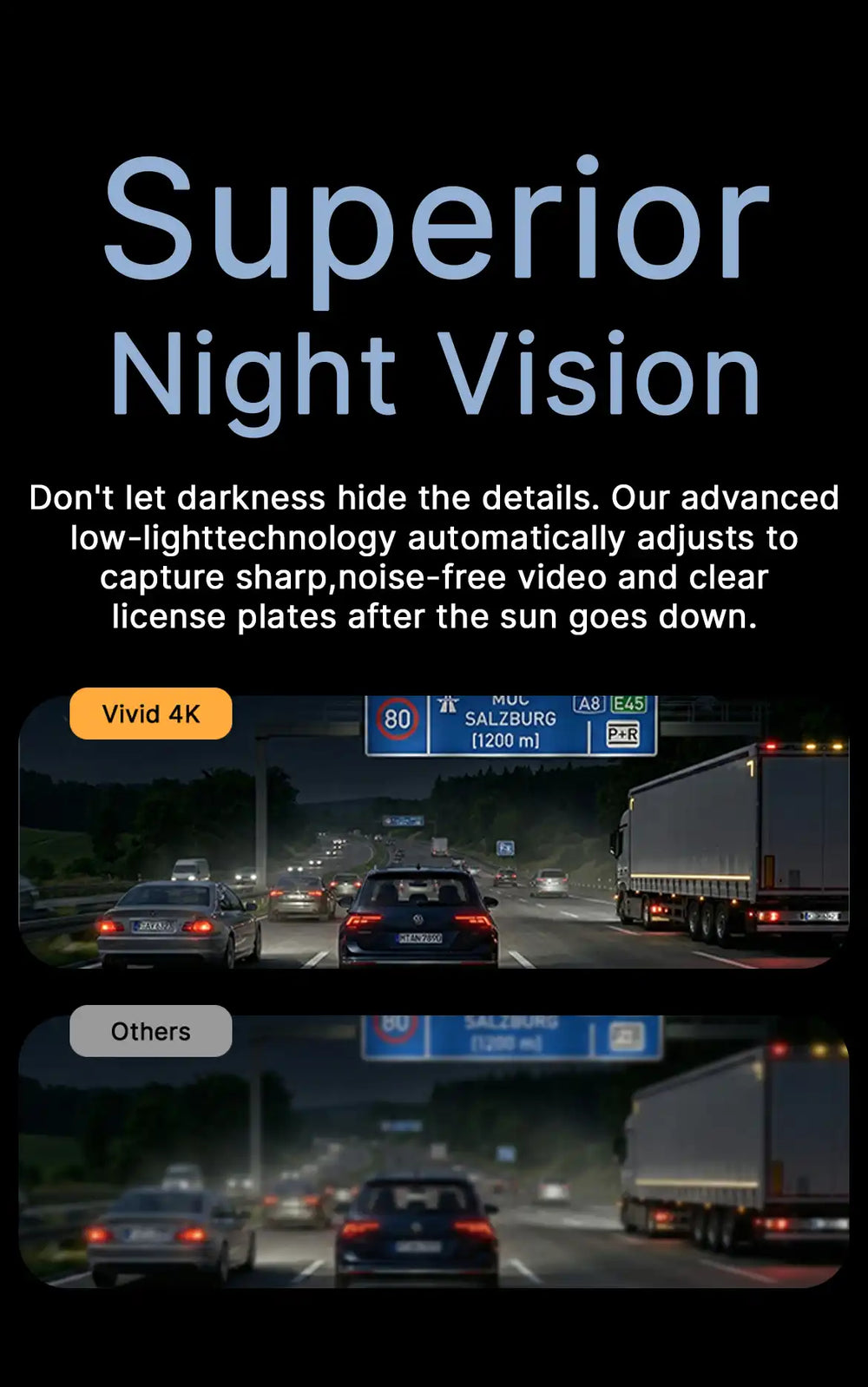
The Canblo Vivid 4K is engineered to be your ultimate silent witness on the road. It delivers crystal-clear Ultra HD 4K resolution, ensuring critical details like license plates and road signs are easily captured. Equipped with Super Night Vision, built-in GPS for accurate location tracking, and seamless WiFi connectivity, it offers premium protection and peace of mind for every drive.
Where should I position the front and rear dash cams during installation?
Proper placement is key for capturing the best field of view without obstructing your line of sight.
- Front Dash Cam: Mount the camera high up on the windshield, ideally tucked right behind the rearview mirror. This provides a clear, centered view of the road while remaining out of the driver's direct line of sight.
- Rear Dash Cam: Install the rear camera at the top center of your rear windshield. Ensure the lens has a clear view out the back, free from defroster lines or wiper blade obstruction.
How does the GoLook mobile application work?
The GoLook app is your central hub for managing your Canblo dash cam directly from your smartphone (available on iOS and Android).
- Wireless Connection: It uses a direct WiFi connection to pair your phone with the dash cam without consuming your cellular data.
- App Features: You can view a real-time live preview of your cameras, quickly download and share recorded videos or photos, manage parking monitoring settings, and easily perform online firmware upgrades.
How does storage and loop recording work?
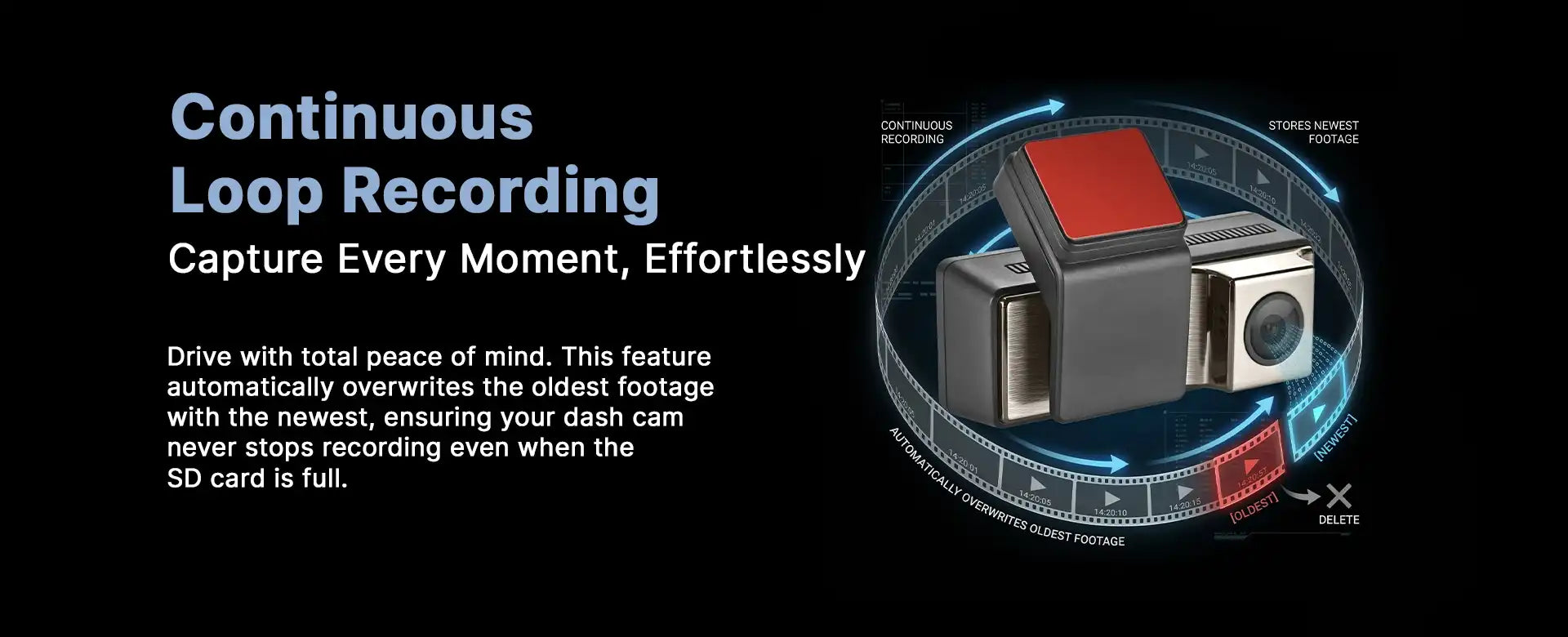
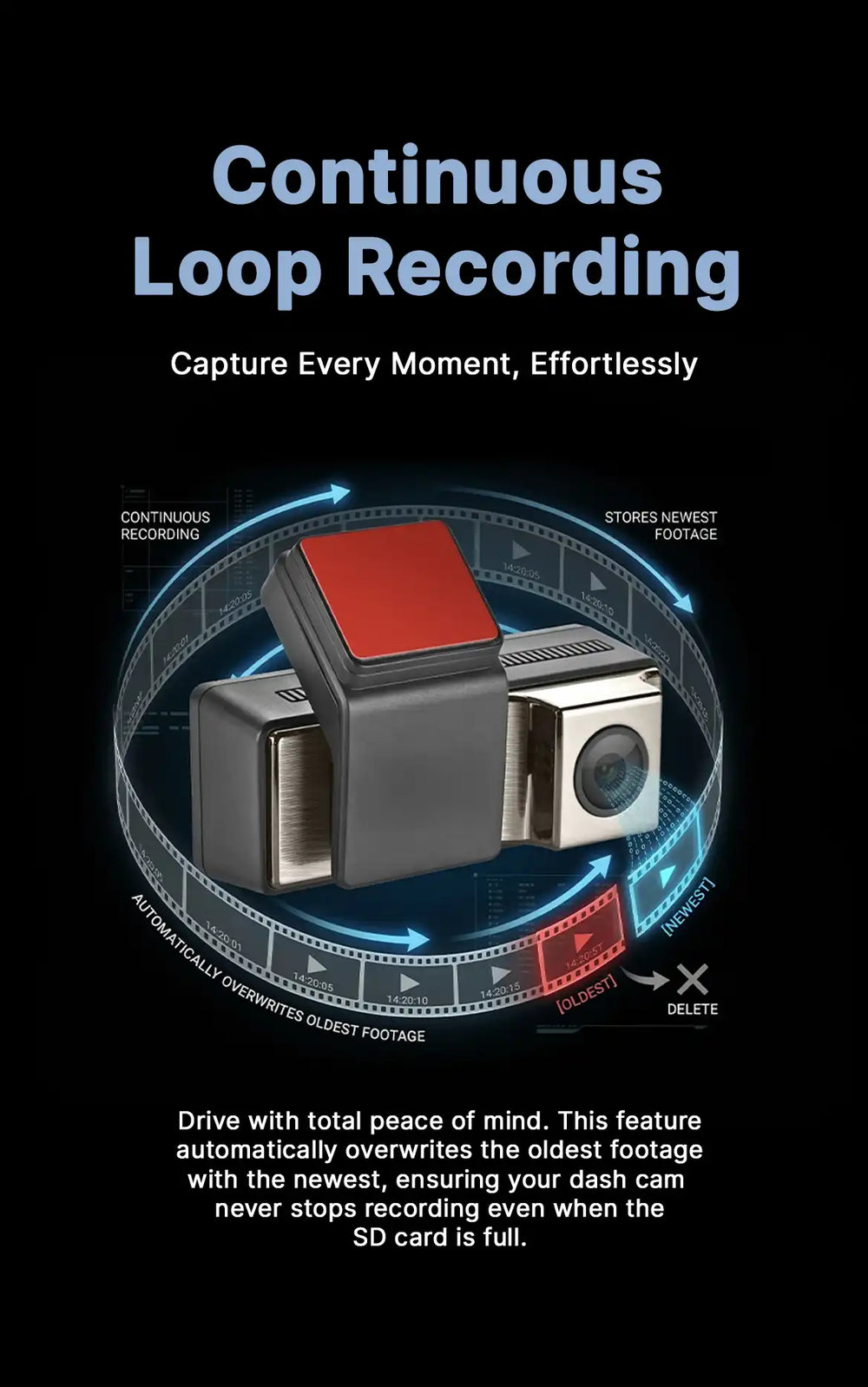
Loop recording acts like a digital conveyor belt, meaning you never have to manually delete files to make room for new ones.
- Continuous Recording: The dash cam records video in short segments (e.g., 1 or 3 minutes).
- Overwriting: Once your SD card reaches full capacity, the camera will automatically delete the oldest recorded segment and overwrite it with the newest footage.
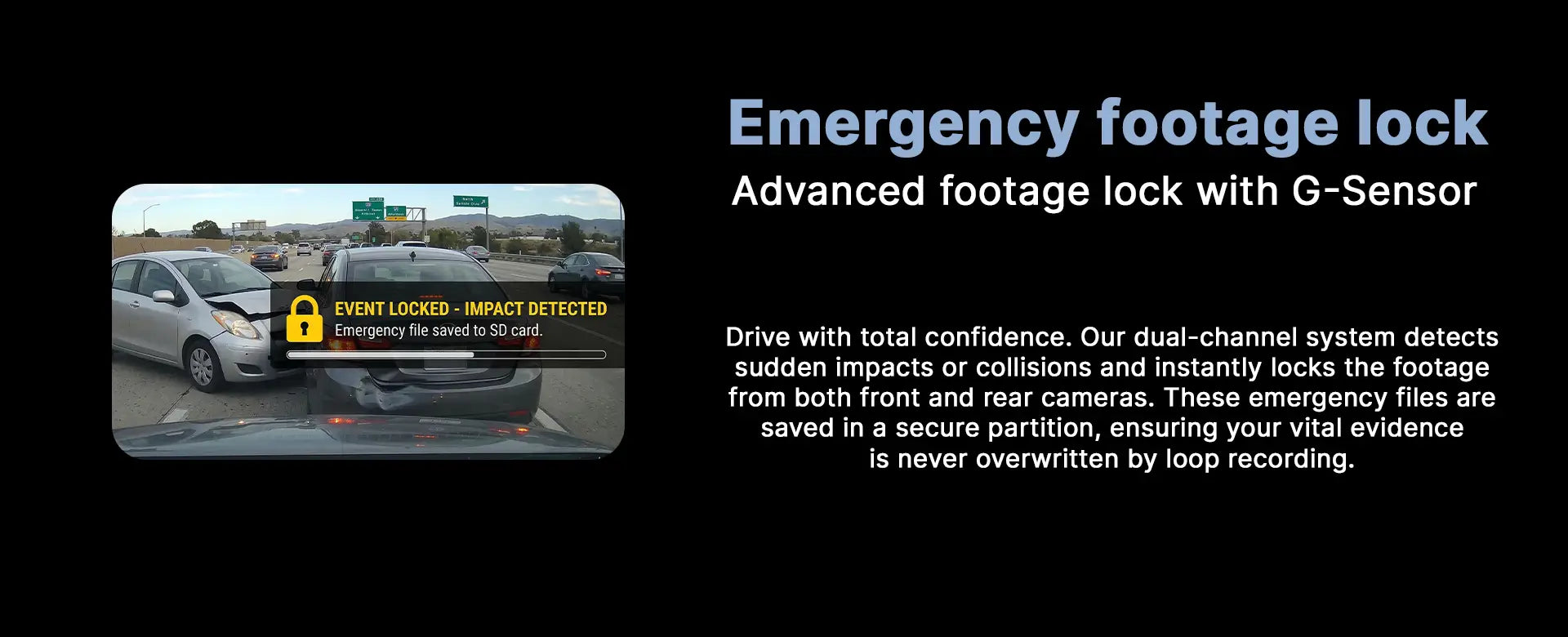
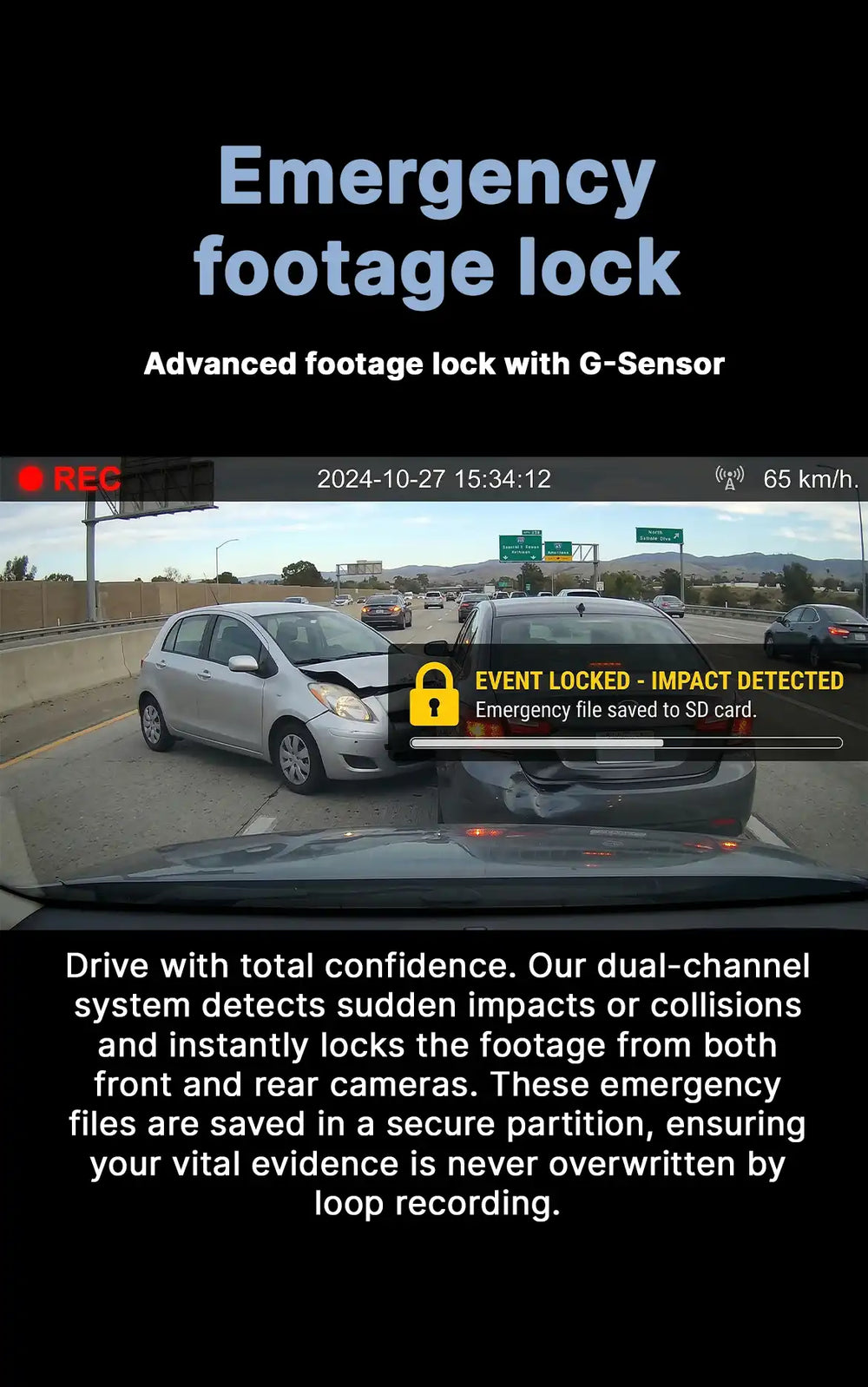
- Incident Protection: If the built-in G-Sensor detects a sudden impact or hard braking, it will automatically "lock" that specific video clip, saving it in a secure folder where the loop recording cannot overwrite it.
What kind of SD card is supported?
What kind of SD card is supported?
The Canblo Vivid 4K requires a high-speed micro SD card to smoothly process 4K video data.
- Recommendation: We strongly recommend using a SanDisk Class 10 (or U3) micro SD card.
- Important Warning: Always ensure you are purchasing a genuine, original SD card from a reputable retailer. The market is saturated with counterfeit and duplicate SD cards that mimic well-known brands. Using a duplicate card can lead to corrupted video files, dropped frames, or total failure when you need your accident footage the most.
What are my power supply options?
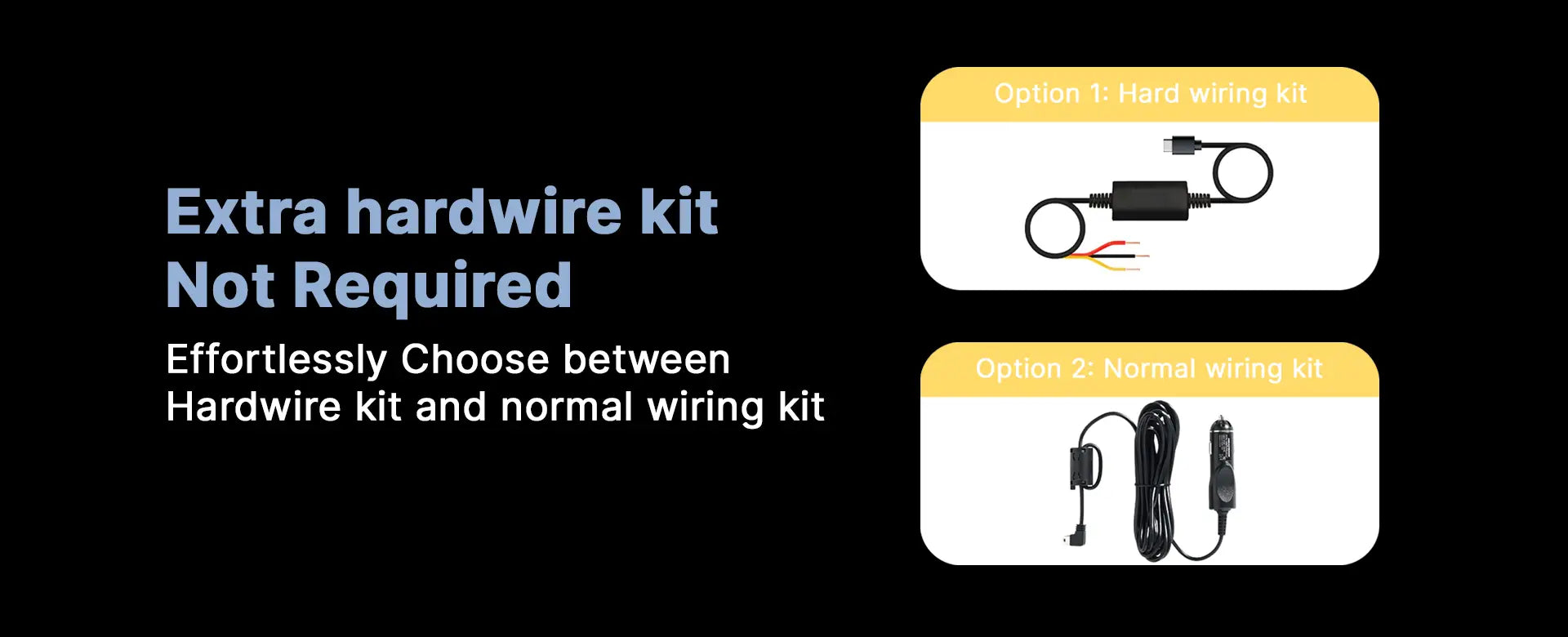
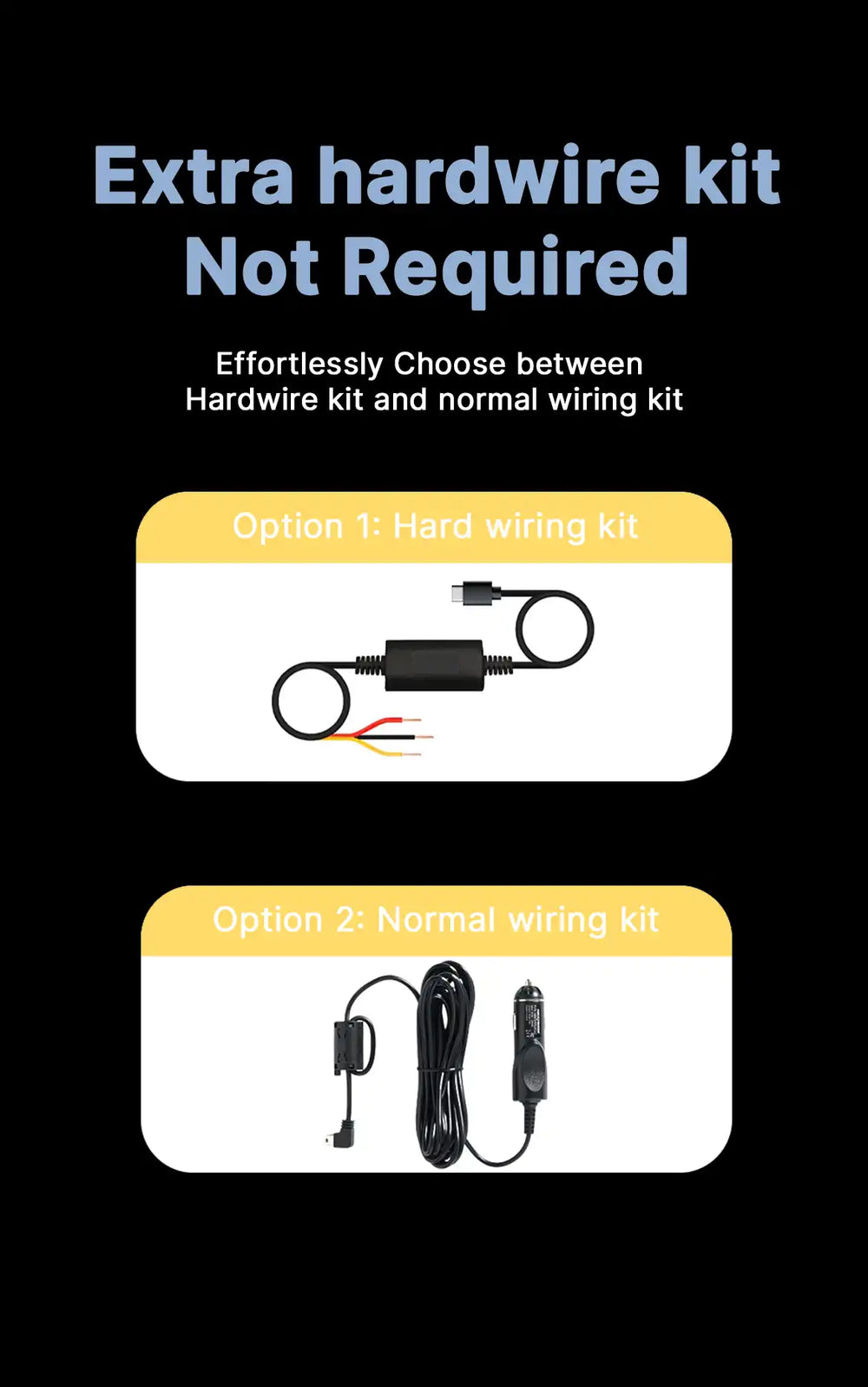
You have two primary ways to power your Canblo dash cam, depending on your needs:
- Cigarette Lighter Socket (Plug-and-Play): This is the easiest and fastest installation method. Simply plug the provided adapter into your car’s 12V cigarette lighter port. The camera will turn on and start recording when you start the car, and turn off when the engine is shut off.
- Hardwire Kit (For Parking Mode): If you want your vehicle protected 24/7 while parked, you will need a hardwire kit. This connects the dash cam directly to your vehicle's fuse box, providing a constant power supply even when the engine is off. This method enables the dash cam's Parking Mode and hides all cables for a clean, factory-installed look.